


Online Safety
Online Safety at School
Online Safety at Home
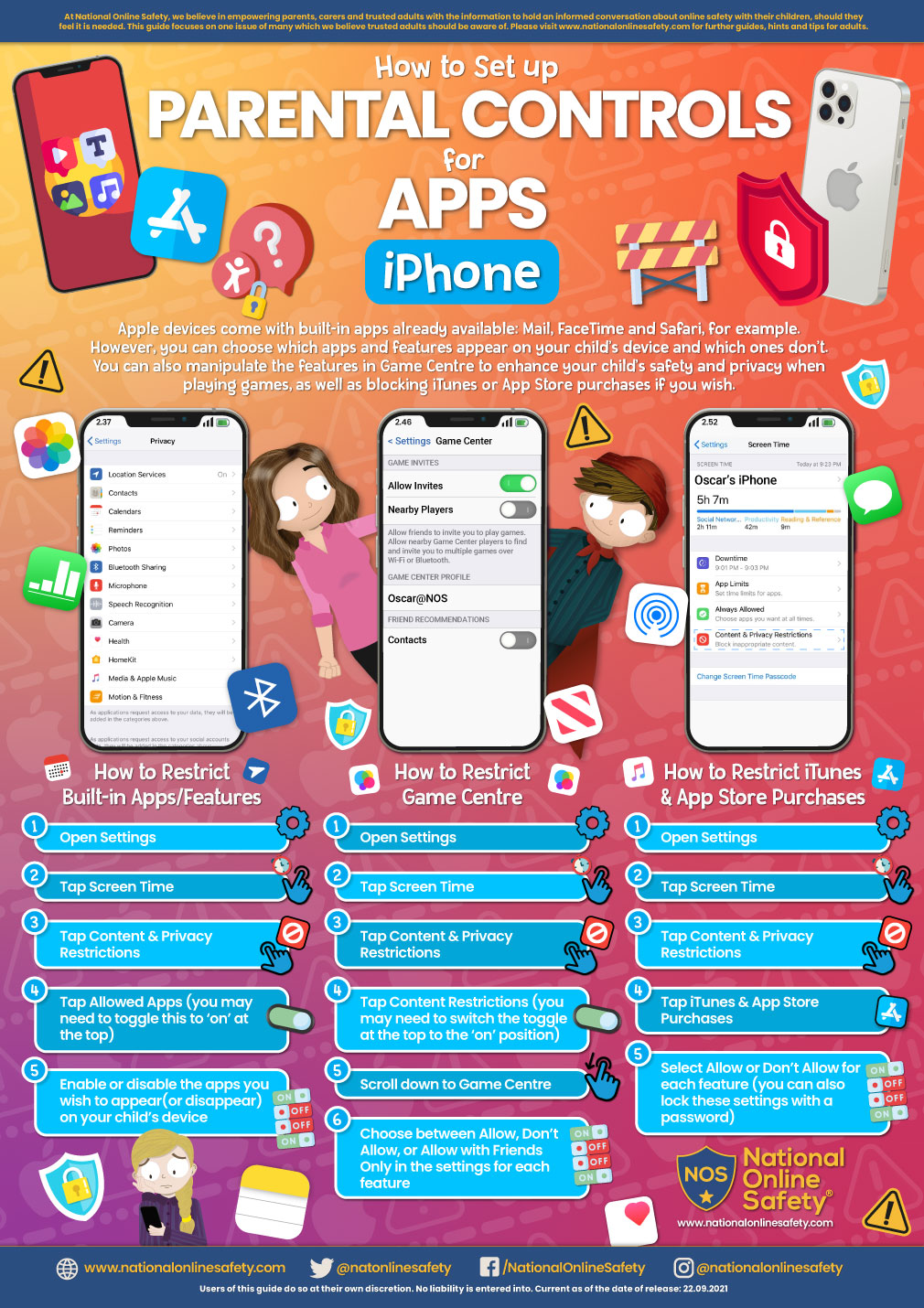
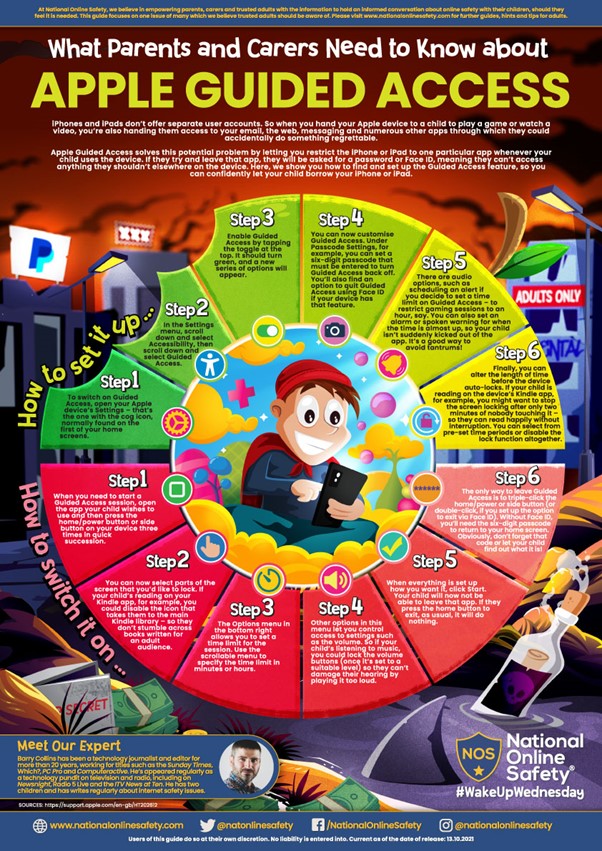
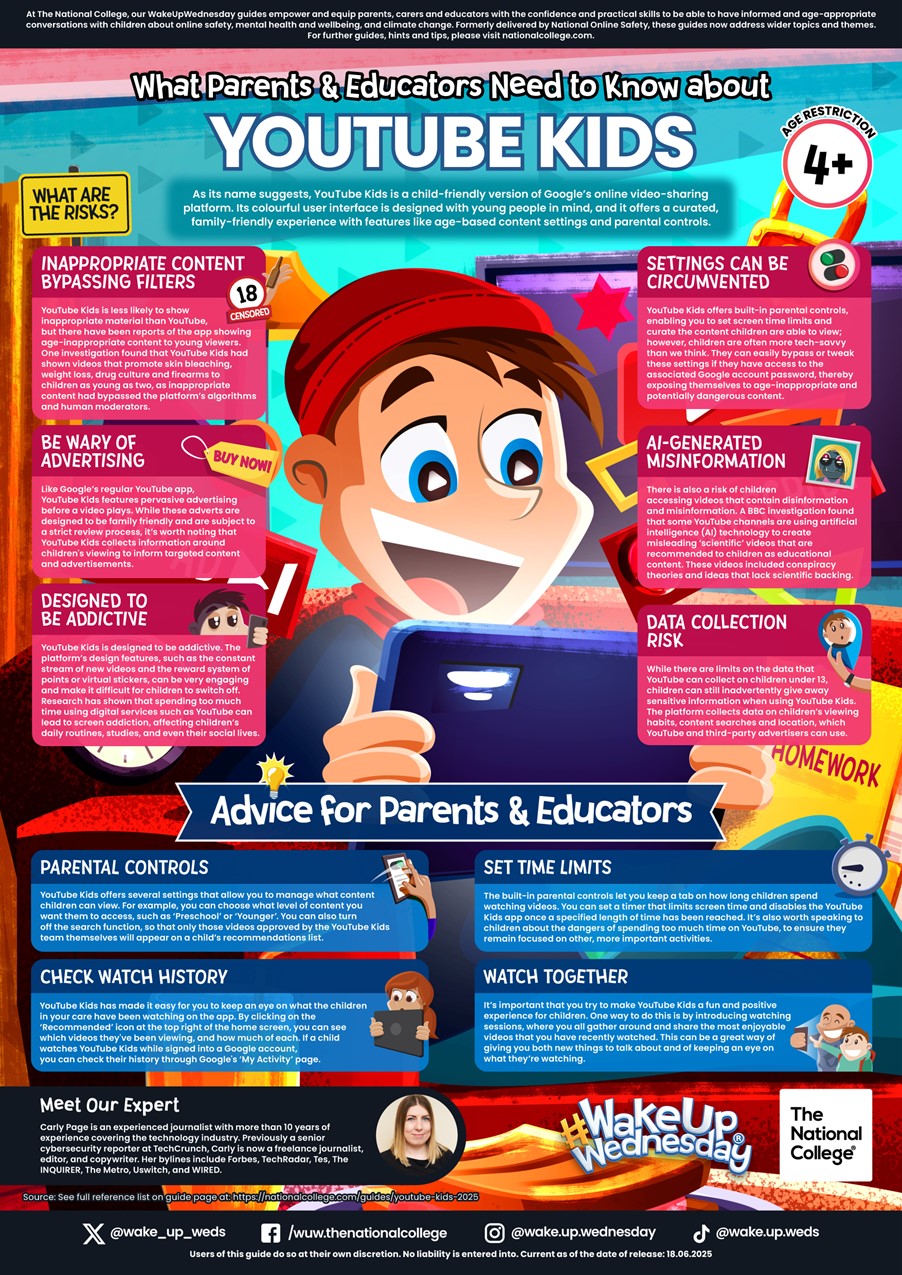
Technology is everywhere and plays a huge important part in all of our lives. Parentsafe has some really useful information and advice to help parents to allow their children to access technology safely and healthily. This includes useful apps and settings for phones and computers which can help parents stay in control of internet use, and help children stay safe. Please discuss how to stay safe, make sensible choices online, remember that people online are still strangers and to be responsible members of the online community.
Top Tips for Keeping Children and Young People Safe Online:

1. Monitor Viewing Habits – keep an eye on what they are watching and doing and when.
2. Check Online Content – have a look yourself at what is ‘trending’ at the moment.
3. Check Age Ratings – make sure they are old enough for the app or game.
4. Change Privacy Settings – Make social media and gaming profiles private and set content so only friends can see.
5. Spend Time on the App – Look at what is on the app they are using and what content they are seeing.
6. Let Children and Young People Know You Are There – for support and advice.
7. Encourage Critical Thinking – talk about what people post and why it might be distressing.
8. Learn How to Report and Block – Make sure they know how to report and block people on social media and games.
9. Keep an Open Dialogue – if they see something distressing online listen to their concerns, empathise and reassure.
10. Seek Further Support – if your child has been affected by something they have seen please seek support from us on the numbers above
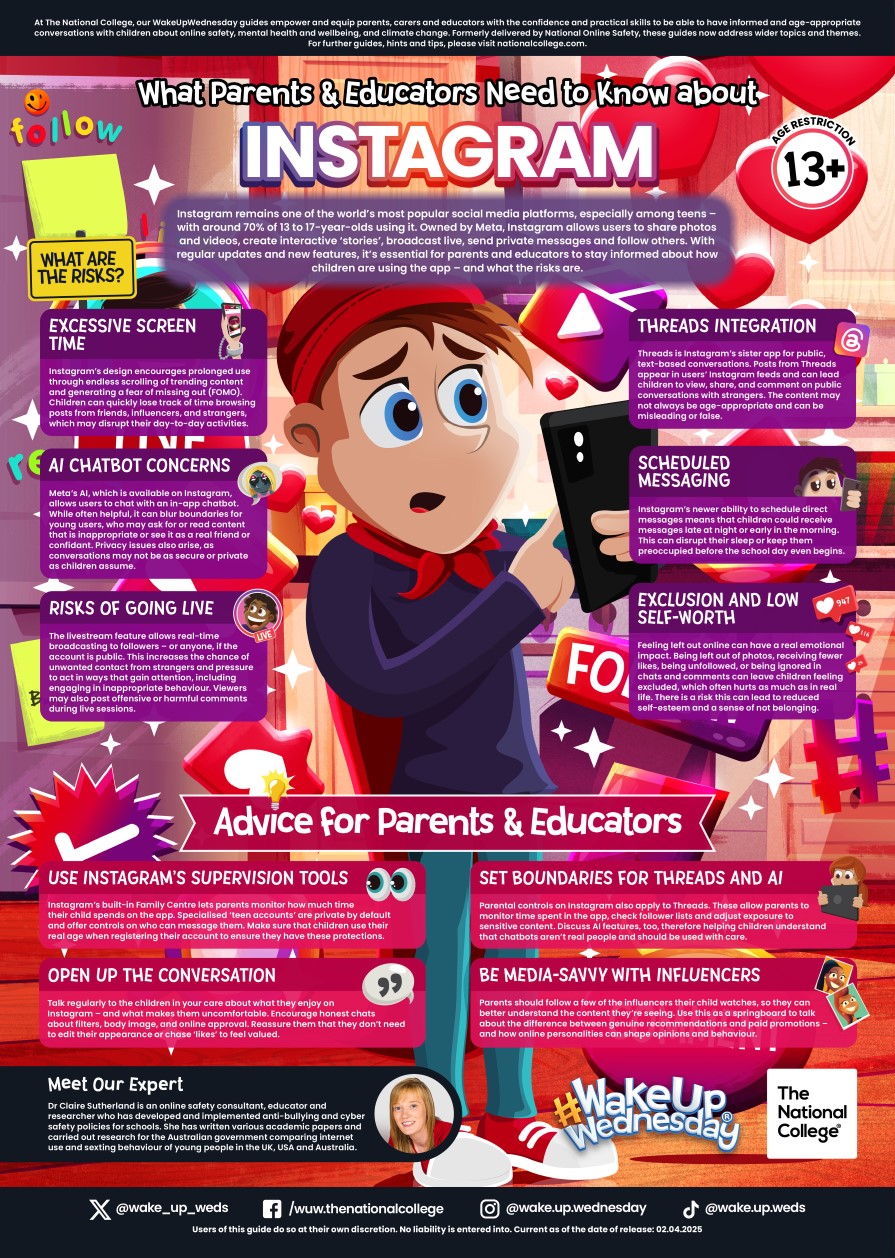
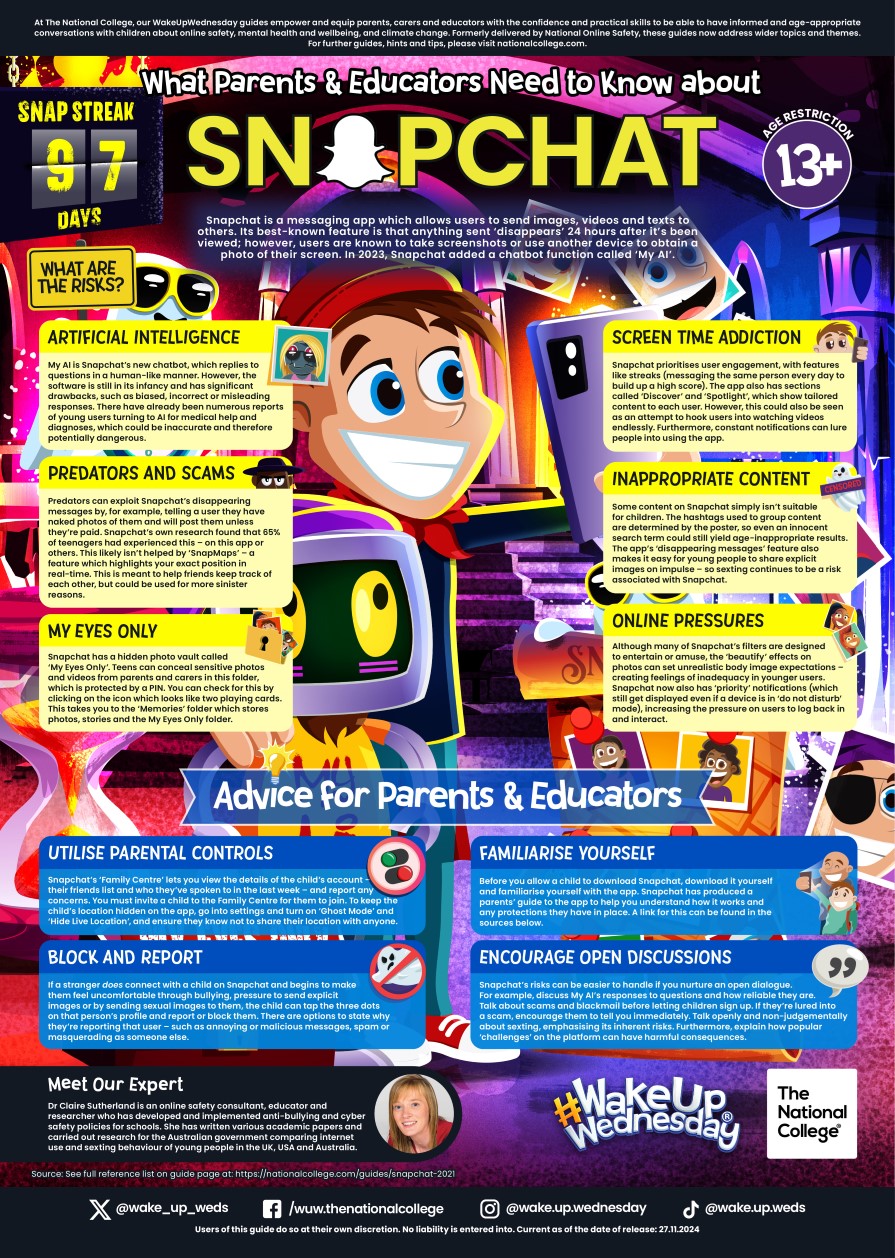
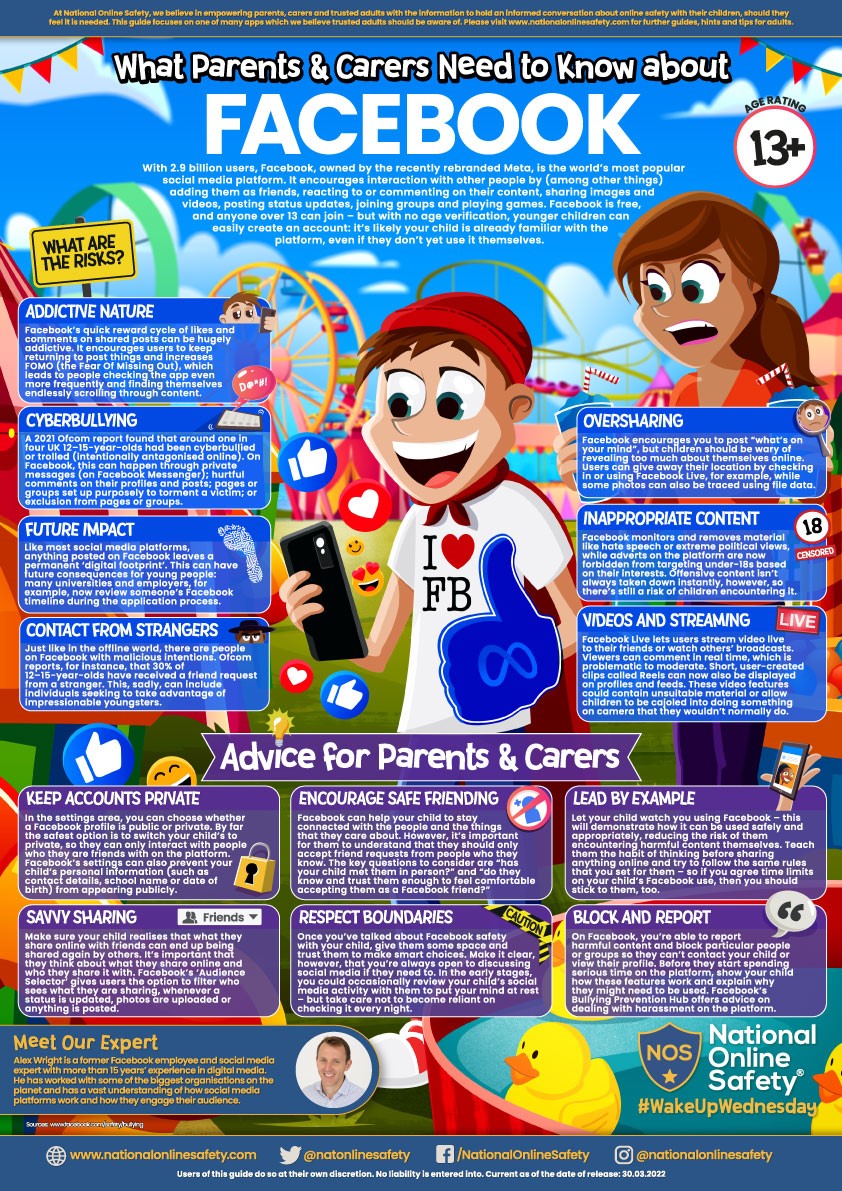
Click on the images below to view the full sized versions:
Social Media / Messaging
Gaming and Streaming
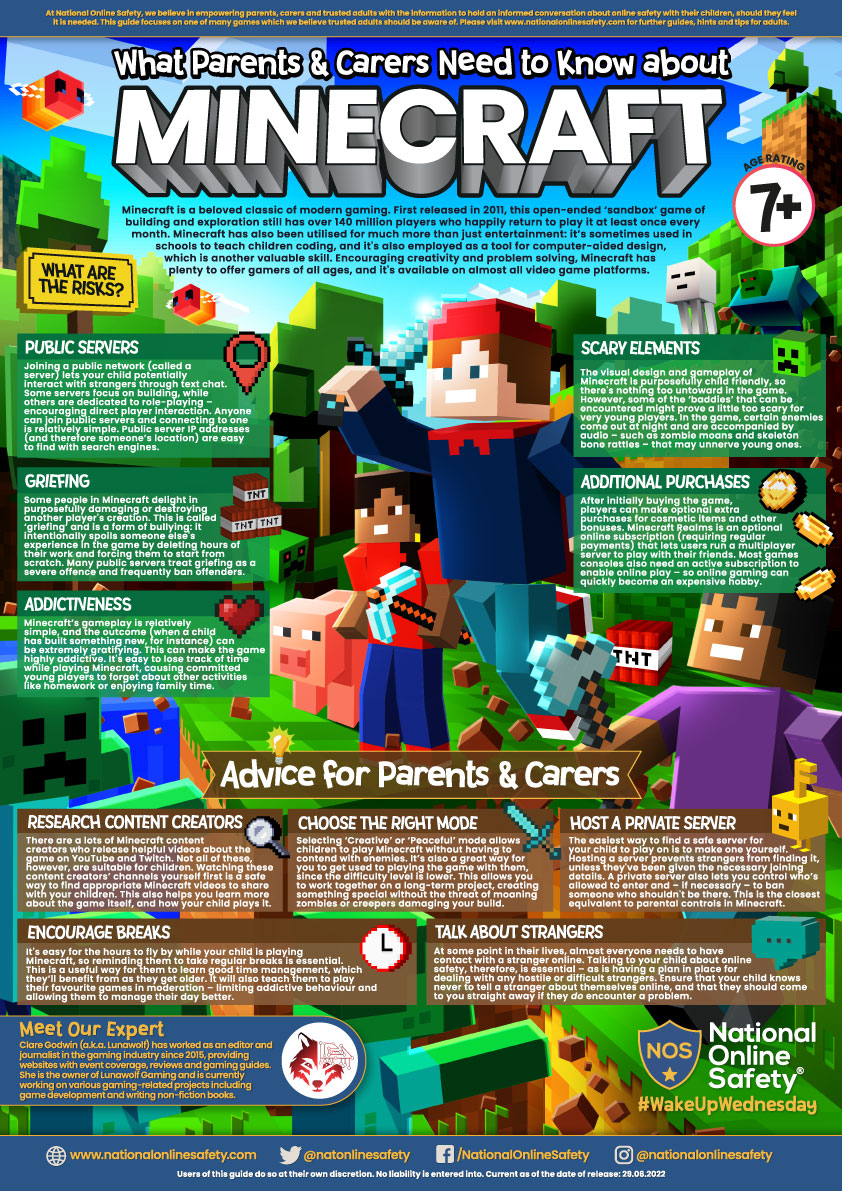
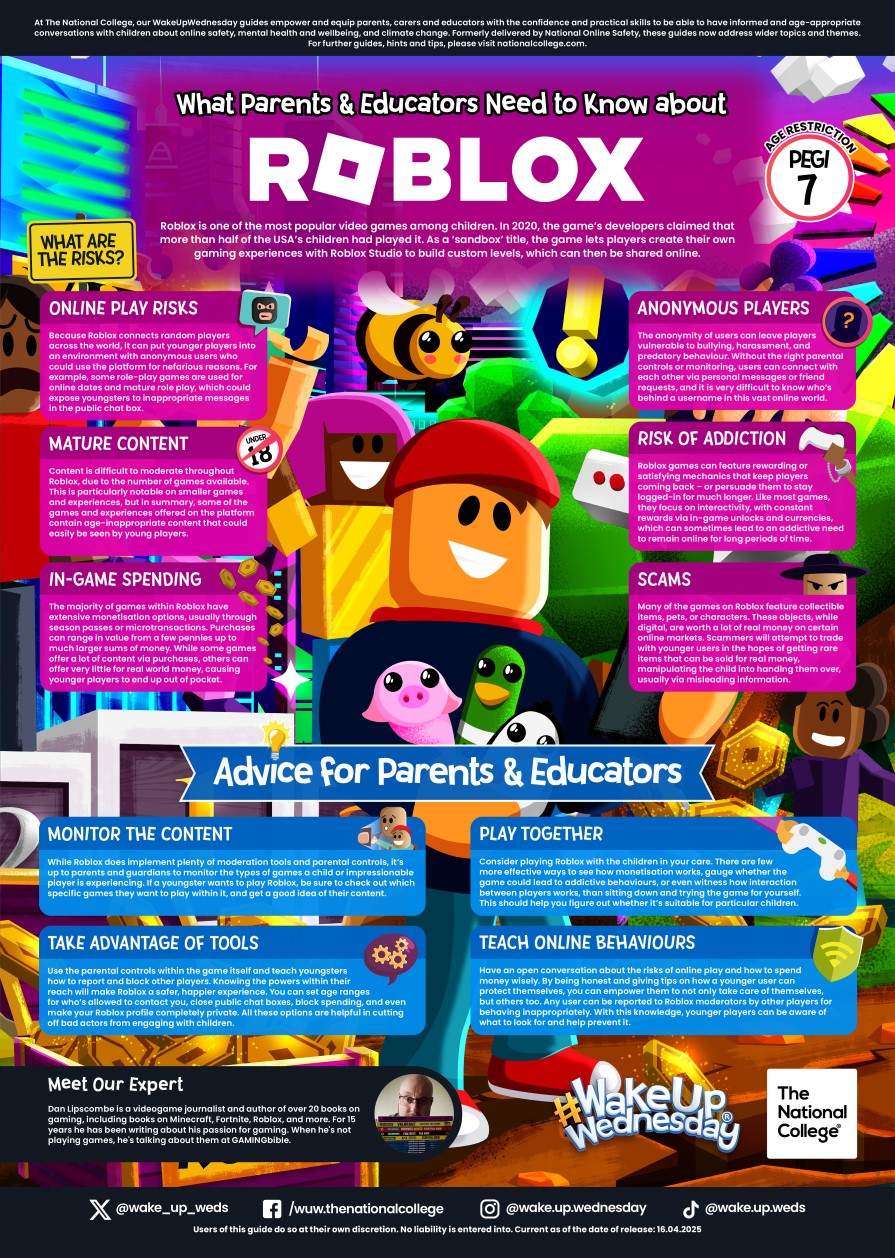
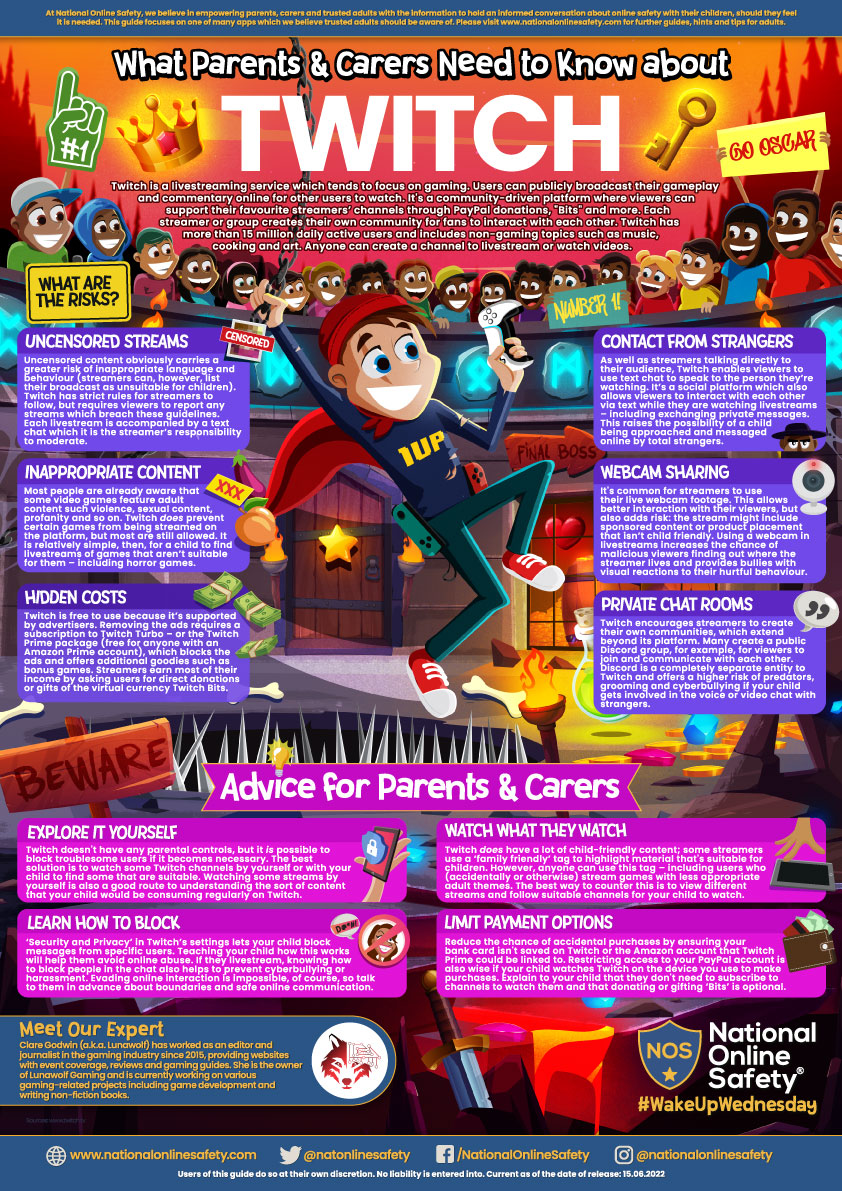
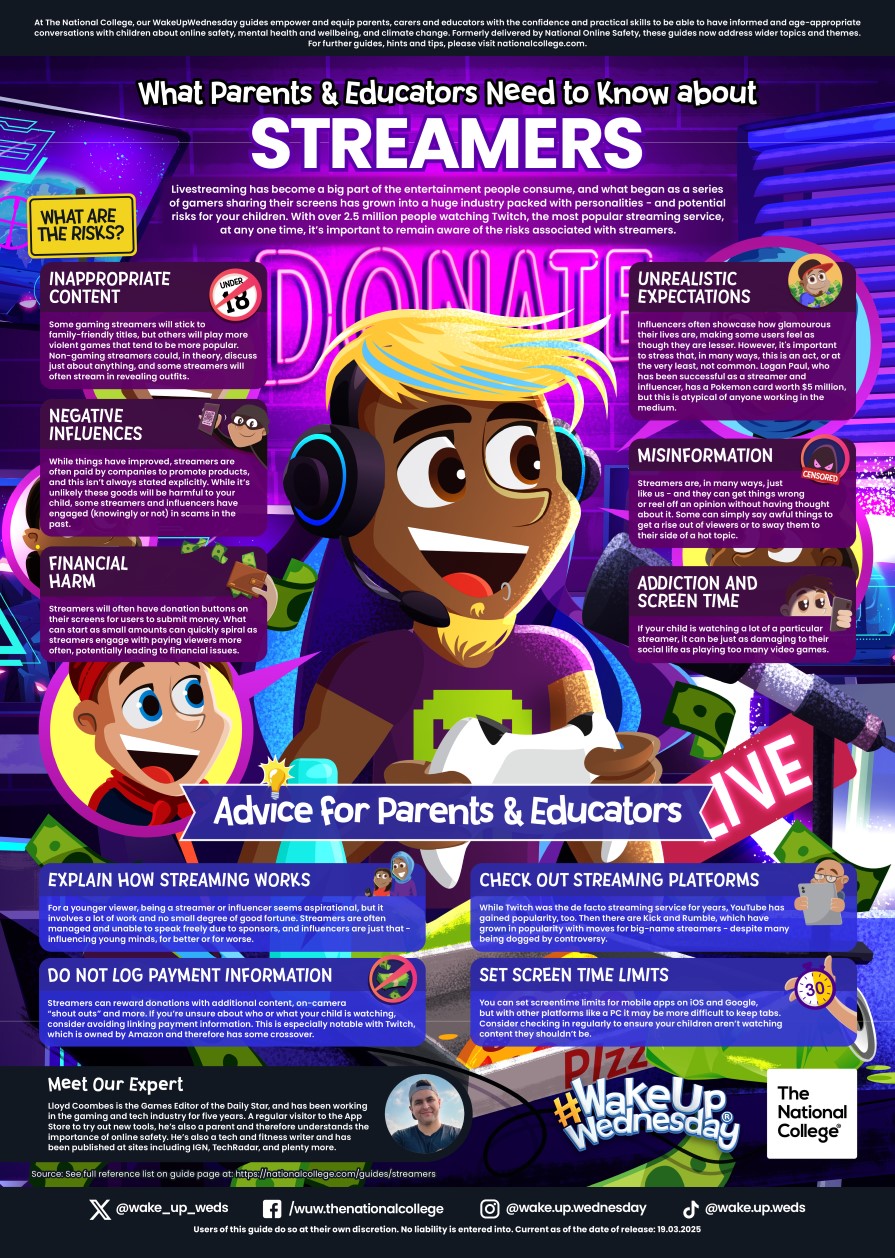
AI
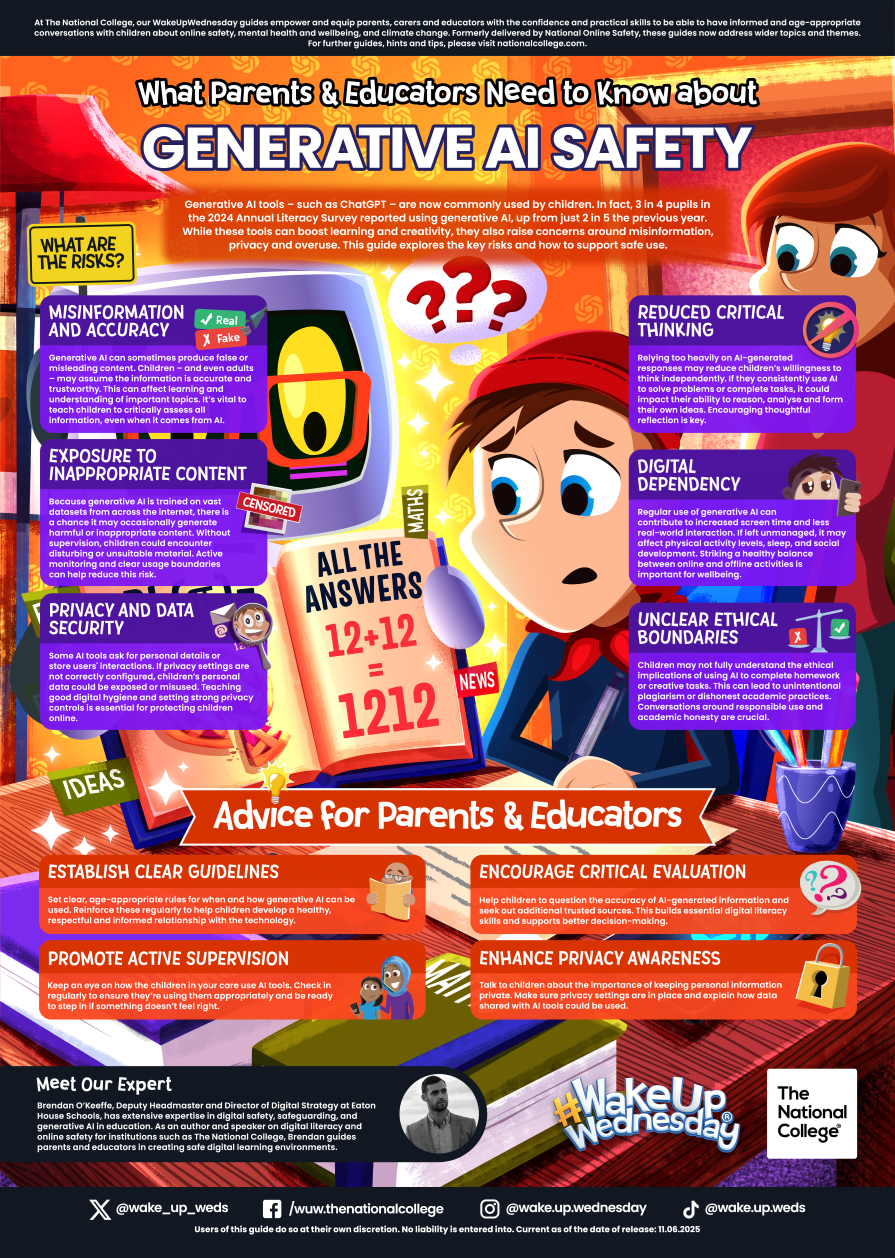
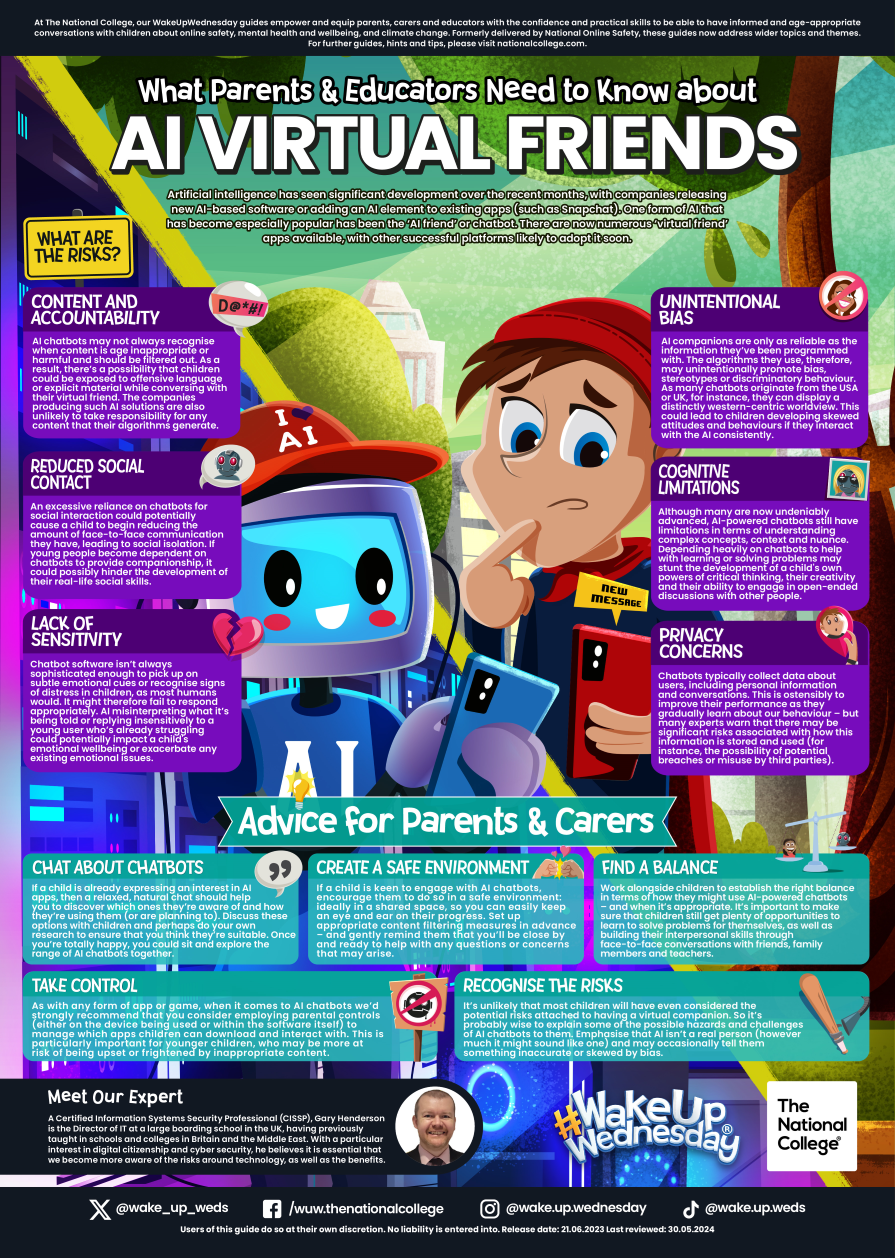
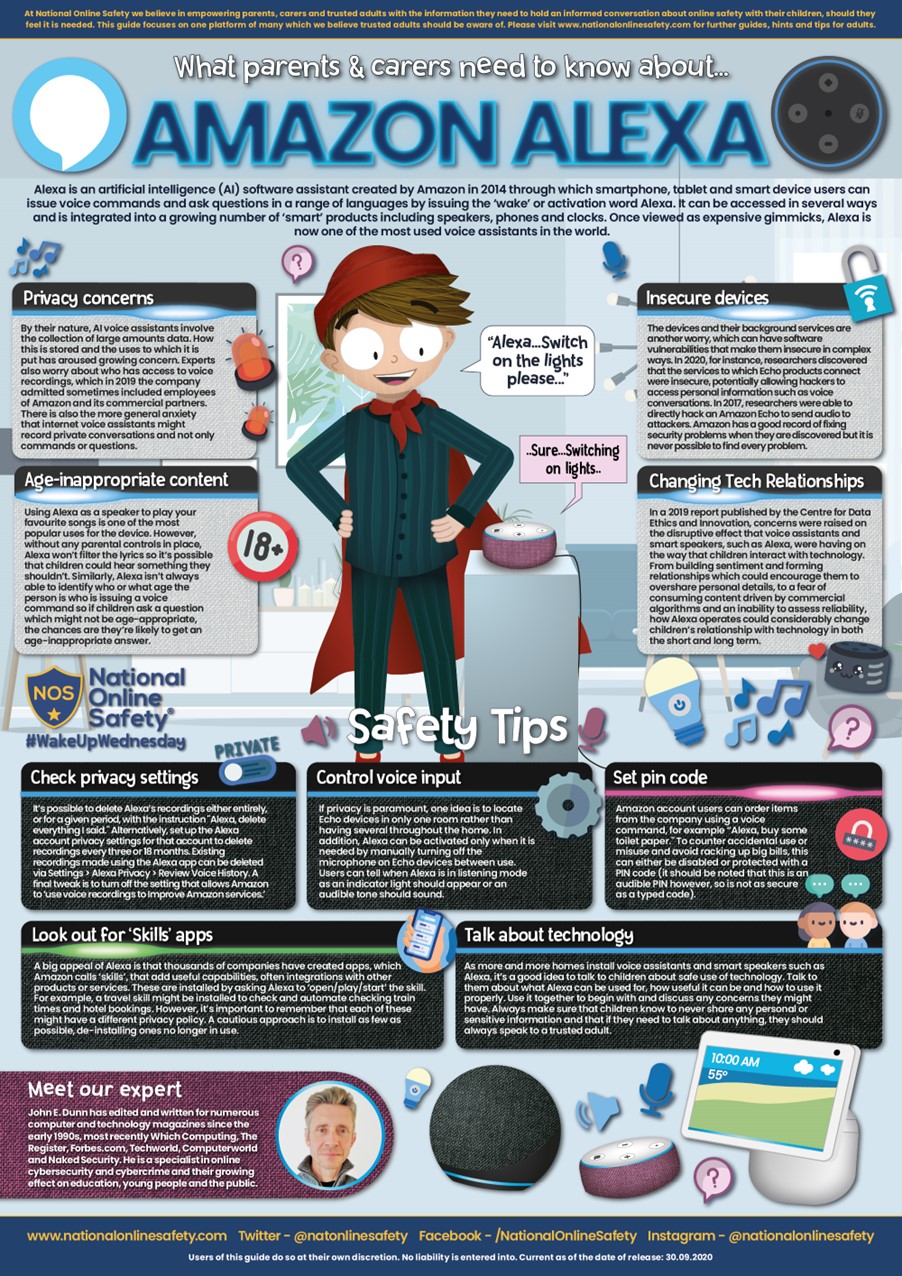
Online Risks
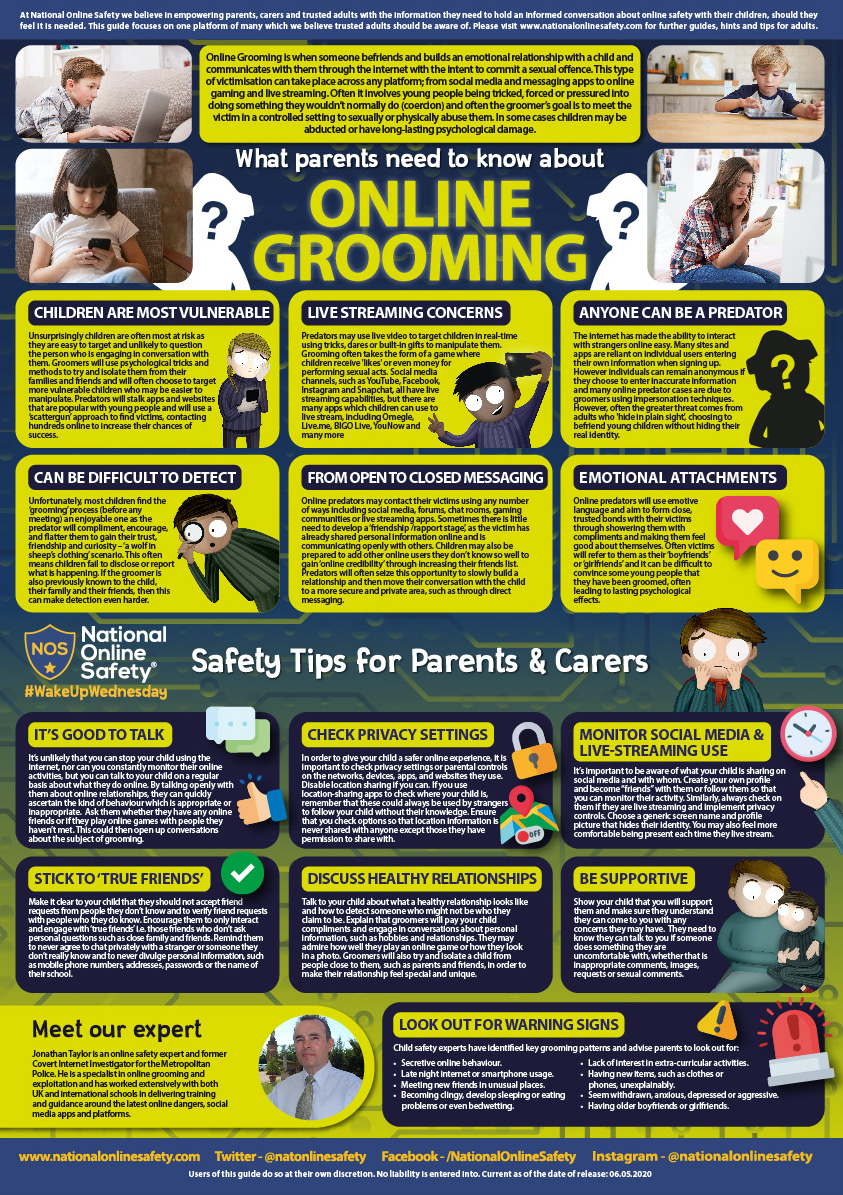
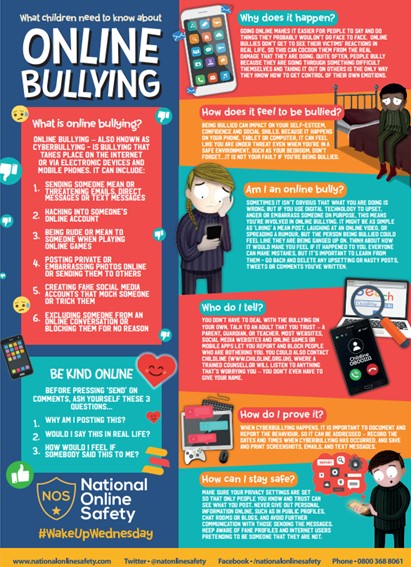
For further information on e-safety issues and guidance on how to avoid online dangers or deal with them if they occur can be found on the following websites:
- Child Exploitation and Online Protection Centre
- Childnet International
- Stop Cyberbullying
- Digizen
- Antibullying Week
- Safer Internet Day
- NSPCC Online Safety - The NSPCC has teamed up with O2 in a campaign to keep children safe online. Their website is full of information such as how to talk to your learner about staying safe online and setting up parental controls
Parent Controls
Where staff have an existing personal relationship with a parent or pupil, and thus are connected with them on social media, e.g. they are close family friends with a parent at the school, they will disclose this to the DSL and Headteacher and will ensure that their social media conduct relating to that parent is appropriate for their position in the school.